
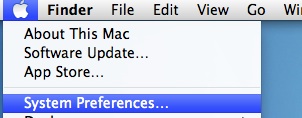
1. Go to the Apple menu, select System Preferences....
2. Click on Printers & Scanners.

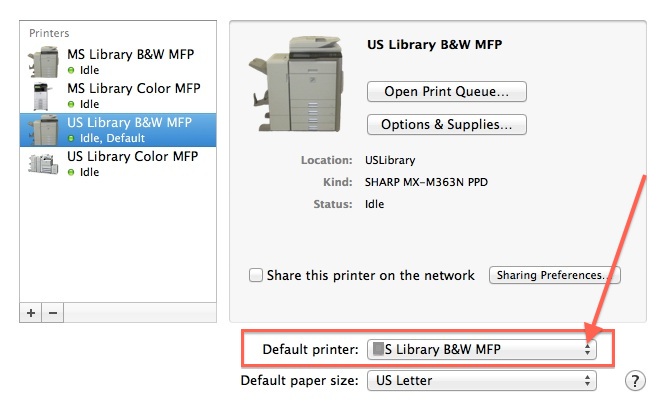
3. Click on the double-arrows to see the list of printers in the Default Printer drop-down menu. Select the B&W MFP you use most often. Be sure to choose the correct campus! That's it. You can now close the Printers & Scanners window.
0 Comments